
Geodata v R: mapy a prostorové analýzy hromadně
Zkroťte geodata v R: mapy, vektory i rastry bez ručního klikání. Hromadné zpracování prostorových dat, analýzy a vizualizace pro geovědy.
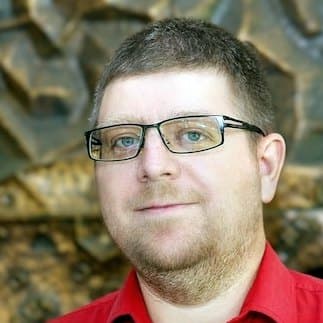 Vede Mgr. Ondřej Ledvinka, Ph.D.Lektor geodat a prostorové analýzy · ČHMÚ · Přírodovědecká fakulta UK Praha
O kurzu
Zpracováváte prostorová data ručně a každá mapa je boj? Naučte se geodata vyhodnocovat v jazyce R – pomocí funkcí, které jejich hromadné zpracování zjednodušují a hlavně zrychlují.
V kurzu pro vědecké pracovníky z oblasti geověd vás naučíme, jak geodata zpracovat a transformovat na tzv. tidy formát i jak je analyzovat a vizualizovat (tvořit mapy). Po absolvování školení tak zvládnete rychle vytvořit analytické skripty pro geodata.
Procvičování probíhá v anglické verzi aplikace RStudio. Počítač vám zapůjčíme na místě, není třeba nosit vlastní.
Po skončení kurzu navíc získáte přes 40 skriptů, které použijete k analýze vlastních dat.
Kurzem vás provede Mgr. Ondřej Ledvinka, Ph.D. – Lektor geodat a prostorové analýzy, ČHMÚ · Přírodovědecká fakulta UK Praha.
Pro koho je kurz?
Geografové a kartografové
Chcete zpracovávat prostorová data v R místo komerčního GIS softwaru.
Ekologové a environmentální vědci
Modelujete výskyt druhů, habitaty nebo environmentální změny.
Urbanisté a regionální plánovači
Pracujete s geodaty pro plánování a analýzu území.
Výzkumníci s prostorovými daty
Máte GPS souřadnice nebo shapefily a nevíte co s nimi v R.
Předpoklady
Pro účast na kurzu je vhodné mít znalosti v rozsahu kurzu Jazyk R za 1 den: základy pro analýzu vašich dat.
Osnova kurzu
Prostředí RStudia ve vztahu ke geodatům
Např. u vektorových dat sloupec s geometrií, u rastrových geodat formální třídy v okně Environmentu.
Zvláštnosti zpracování geodat prostřednictvím funkcí podporujících pipelines
Zejména vzhledem ke geometrii nebo vzniklým jednotkám.
Načtení geodat do R
Z uložených souborů podporujících vektorová a rastrová data (balíčky sf a terra), ze serverových služeb (balíčky esri2sf, arcgislayers, ows4R) či pomocí funkcí balíčků určených ke stahování geodat z internetu (např. balíčky RCzechia, geodata).
Práce s vektorovými geodaty (balíček sf)
- připomenutí klasických funkcí přístupu tidyverse
- specifika práce s geometrií (sjednocování, prostorové dotazy a výběry, prostorové spojování)
- výpočty ploch a obvodů polygonů, délek linií
- práce s jednotkami a jejich převody
- nastavení a transformace souřadnicového referenčního systému
- ukládání do souborů (a nastavování vlastností, jako je kódování znaků pro shapefile)
- extrahování souřadnic z bodové vektorové vrstvy
Práce s rastrovými geodaty (balíček terra)
- extrahování hodnot z rastru pro body, linie a polygony (zonální statistiky)
- agregování napříč vrstvami rastru (např. časové agregace)
- nastavení souřadnicového referenčního systému (autoritní kódy, wkt)
- projekce rastru, změna horizontálního rozlišení
- práce s rastry: ukládání do souboru (např. tif, nc), nastavování názvů vrstev a specifikace datumu a času pro jednotlivé vrstvy
- převod rastru na tabulku
- získání rastru ze seznamu
- odstranění hodnot rastru a získání prázdné konstrukce rastru
Tvorba statických map (balíčky ggplot2, tidyterra, ggspatial, tmap)
- základy tvorby map v R
- přidávání rastrových a vektorových vrstev
- práce s paletami barev, legendou a popisky
- přidání grafického měřítka a směrovky
- změna lokalizace na české prostředí a zpět
- uložení mapy do souboru
Tvorba dynamických map (balíčky mapview a tmap)
- vykreslení dynamické mapy v okně Viewer
- změna podkladu
- význam WMS služeb pro podklady
Geodata a funkcionální programování v R (balíčky purrr, furrr, tidyr)
- význam hnízdění dat
- význam funkce map() a jejích příbuzných (vysvětlení rozdílů)
- možnosti paralelizace procesů pomocí tzv. futures
Váš lektor
Mgr. Ondřej Ledvinka, Ph.D.
Lektor geodat a prostorové analýzy
ČHMÚ · Přírodovědecká fakulta UK Praha
Ondřej Ledvinka je specialista oddělení hydrofondu a bilancí ČHMÚ a odborný vědecký asistent katedry fyzické geografie a geoekologie Univerzity Karlovy. Absolvoval obor fyzická geografie na Přírodovědecké fakultě UK, doktorát získal v oblasti zpracování dat a matematického modelování. Je autorem či spoluautorem několika desítek vědeckých článků.
Celý profil, vzdělání a publikaceCo dostanete
Co říkají absolventi
„Konečně mohu dělat GIS analýzy bez ArcGIS licence. R a sf jsou výkonný nástroj a kurz mi ukázal, jak na to.“
„Pro svůj výzkum výskytu druhů potřebuji rastrová data a Species Distribution Modeling. Kurz byl přesně to, co jsem hledal.“
Otázky k tomuto kurzu
Máte jinou otázku? Zavolejte nám nebo napište.
Je vhodné mít znalosti v rozsahu kurzu Jazyk R za 1 den: základy pro analýzu vašich dat, tedy orientovat se v RStudiu a základní práci s daty. Znalost GIS pojmů je výhodou, ale není podmínkou.
Ne. Kurz je zaměřen na R a znalost jiného GIS softwaru není nutná. Výhodou je pochopení základních GIS pojmů.
R je skriptovací jazyk – analýzy jsou plně reprodukovatelné a automatizovatelné. Pro publikaci ve vědeckých časopisech je tento přístup velkou výhodou.
Prezenčně v našem školícím středisku 4D Center, Kodaňská 1441/46, Praha 10. Je dvoudenní a vedený prakticky na příkladech v anglické verzi aplikace RStudio.
Nemusíte. Počítač s připraveným prostředím vám zapůjčíme na místě. Práce na vlastním notebooku je možná – stačí nám dát předem vědět.
Pracujeme v jazyce R a v aplikaci RStudio s balíčky jako sf, terra, ggplot2, tmap, mapview, purrr a dalšími. Vše je zdarma a volně ke stažení, takže můžete bez nákladů pokračovat i po kurzu.
Cvičíme na připravených ukázkových příkladech, aby na nich šlo vše v klidu projít krok za krokem. Vlastní data s sebou mít nemusíte — postupy i materiály z kurzu si odnesete a použijete je na svá data i po něm.
Obdržíte tištěné prezentace probírané látky a jejich elektronickou verzi a navíc zdarma více než 40 vyladěných skriptů, které využijete pro analýzu vlastních geodat.
Po absolvování vám vystavíme osvědčení. Aktuální cenu kurzu vidíte na této stránce. ; platba probíhá převodem oproti faktuře, kterou vystavíme na IČO a doplníme podklady pro grant či dotaci.
Přihlášku můžete bezplatně zrušit nejpozději 14 dní před začátkem kurzu; přihláška je navíc nezávazná a po jejím odeslání se vám do 3 pracovních dnů ozveme.
Máte jinou otázku? Napište nám nebo zavolejte 602 284 038.
Příbuzné kurzy
12 900 Kč bez DPH
15 609 Kč s DPH
„Konečně mohu dělat GIS analýzy bez ArcGIS licence. R a sf jsou výkonný nástroj a kurz mi ukázal, jak…“
Mgr. Jakub Novotný
Přihláška je nezávazná · odpovíme do 3 pracovních dnů · storno zdarma 14 dní předem
Lze hradit z grantů a firemního vzdělávání
Fakturujeme na IČ firmy nebo instituce. Pro granty (GA ČR, TA ČR, OP JAK) i programy firemního vzdělávání vystavíme všechny potřebné dokumenty.
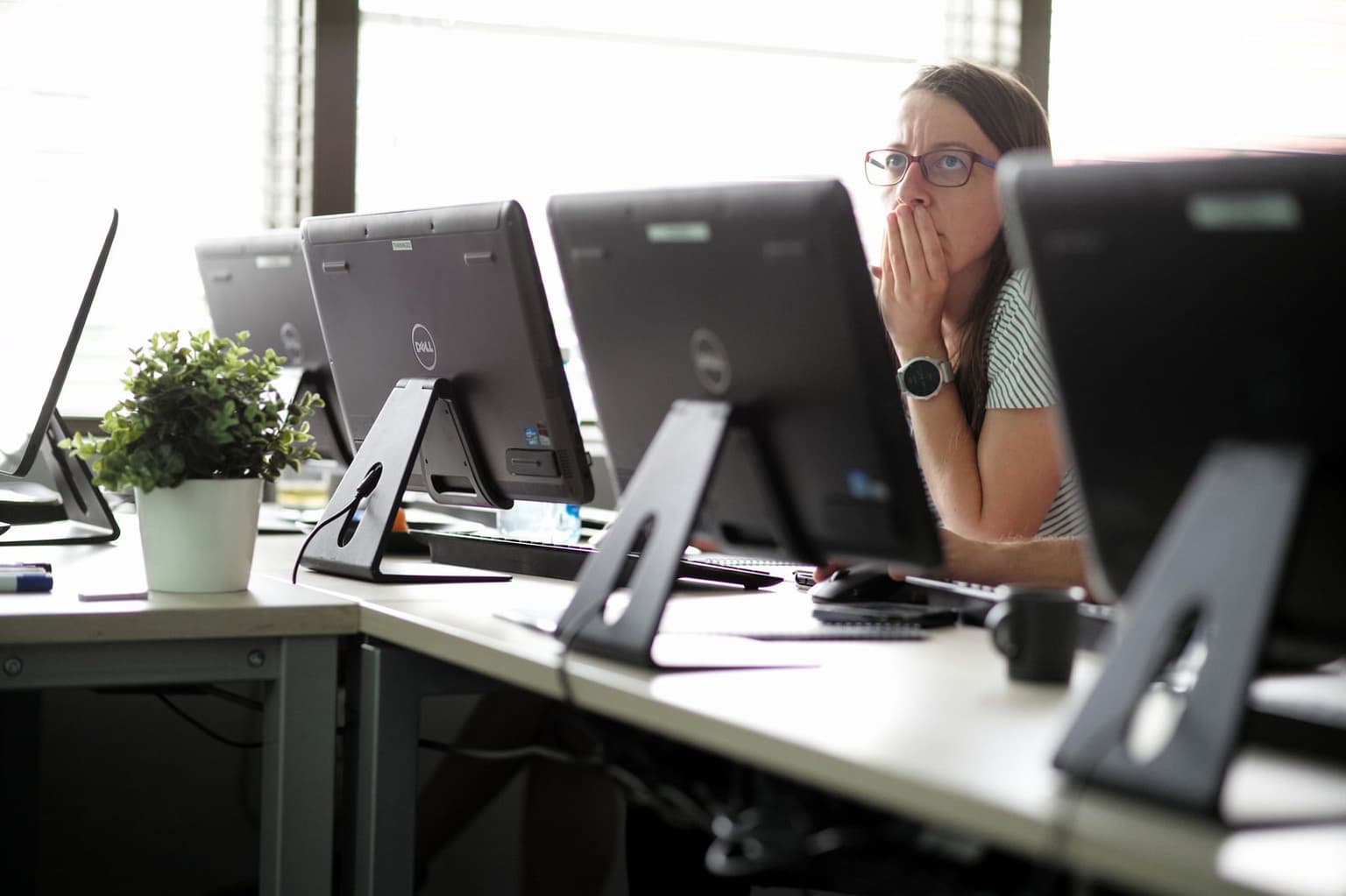
Takhle to u nás vypadá
- 4D Center, Praha
- Počítač na místě
- Max. 10 účastníků
Cena kurzu
12 900 Kč bez DPH